Getting Started
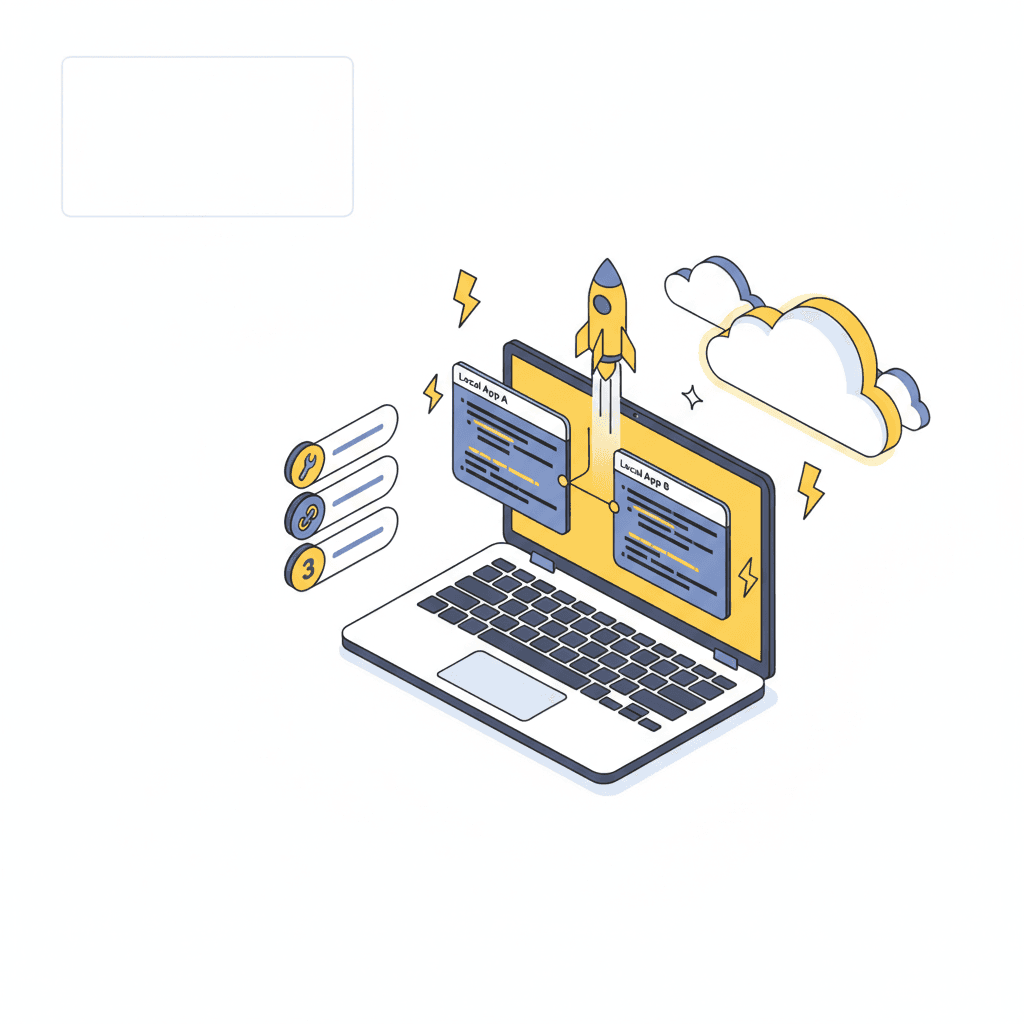
This starter is two independent DDEV projects — the WordPress backend and the Next.js frontend — just like Pantheon hosts them as separate sites. Start the backend first.
cd wordpress && ddev init— start WordPress, activate plugins, and seed this demo content.cd frontend && ddev init— start the Next.js dev server, which reads from the backend over the REST API.ddev seed(inwordpress/) — re-run the idempotent content seeder any time.ddev show-links— print the URLs, admin login, and seeded content counts.
Content is managed in WordPress and appears on the Next.js frontend automatically: create a Page, Article, or Event, publish it, and the matching route renders it. Navigation is a static Blog / Events / Tags menu in the frontend.
To deploy, both apps ship to Pantheon and are managed with Terminus across the dev / test / live environments. See the Pantheon decoupled guides and Next.js docs for platform specifics.